
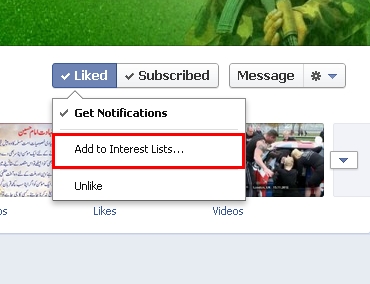
First: Add GeoUrduNetwork to An Interest List
To guarantee you will see what we post on Facebook add us to an Interest List.
1. Visit the GeoUrduNetwork Facebook Fan page
2. Click the drop-down list near the top right next to the Message button. and Click Add to Interest Lists.
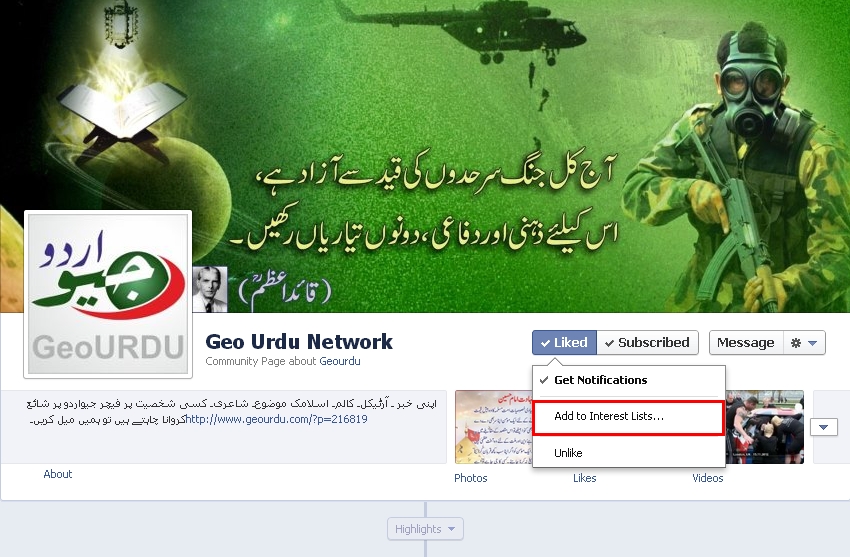
3. Click New List. Call it whatever you like.
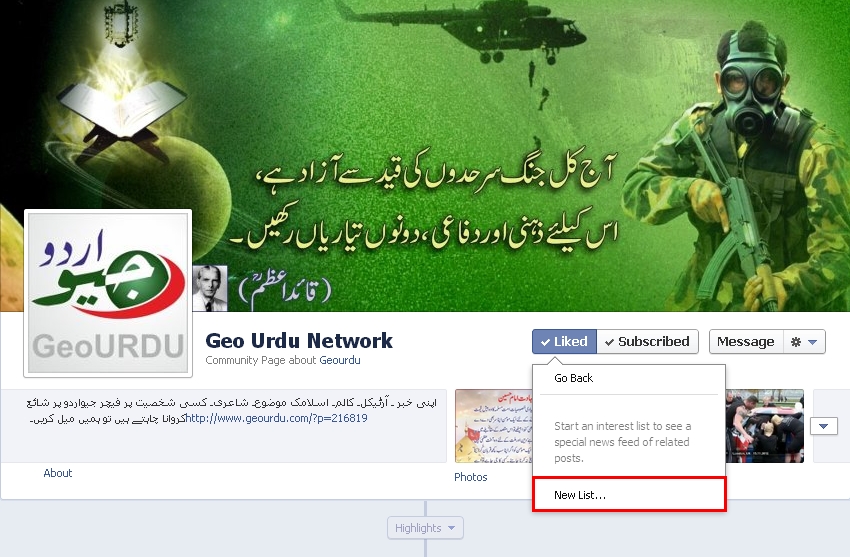
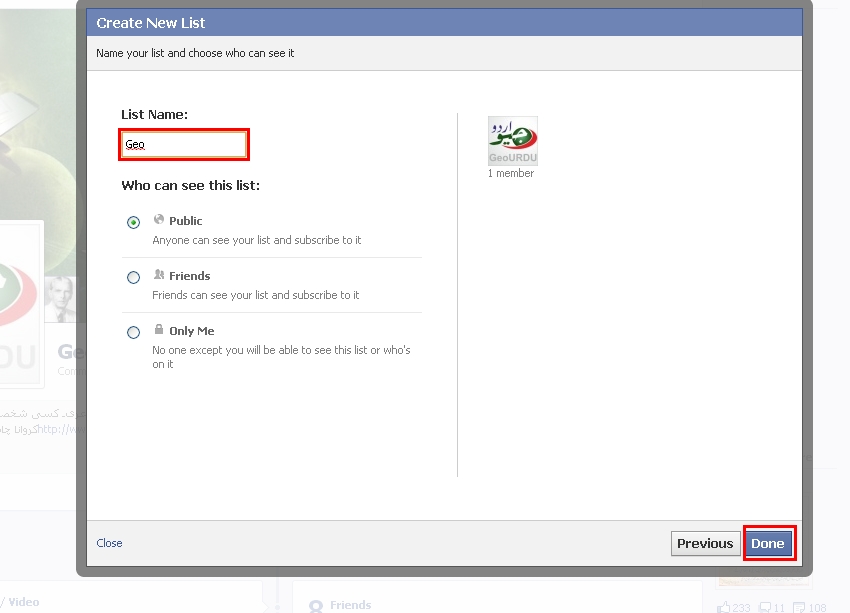
4. Another box will open to create your new list. Geo Urdu NetWork & To-Do’s should already be checkmarked to add to this list. & Click “Next”.
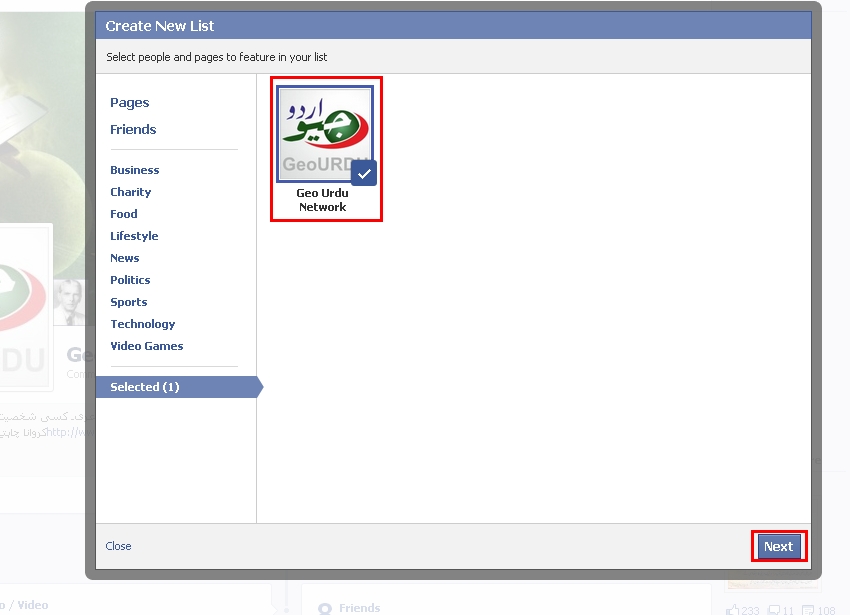
5. Under “List Name” choose a name for your new list. I used “Geo”.
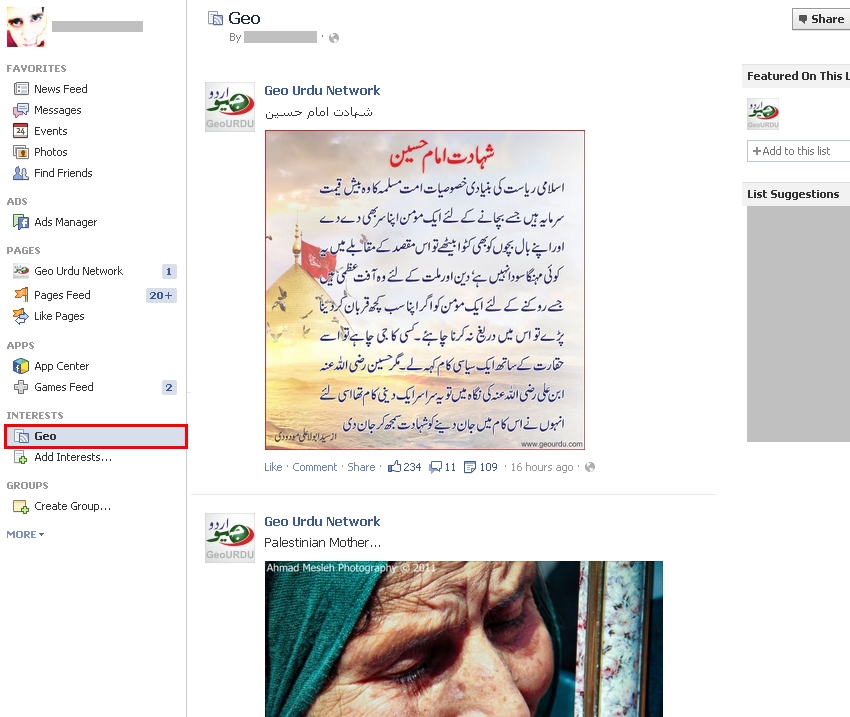
6. Now to find your new list. Go to your newsfeed as you normally would. & Look to the left-hand column and scroll down. I found the “Interests” list to be the last section. Click your new list (whatever you called it) and voila! You’ll see ALL posts in the nice newsfeed look you are used to.
I hope some of you find this information useful!


